v1.0.0 — Now available for macOS

Cron, refined.

A macOS menu bar app that replaces crontab with a visual interface. Schedule shell commands and Claude prompts — no config files, no terminal.

Free for up to 3 scheduled jobs · $8 one-time unlock for unlimited jobs

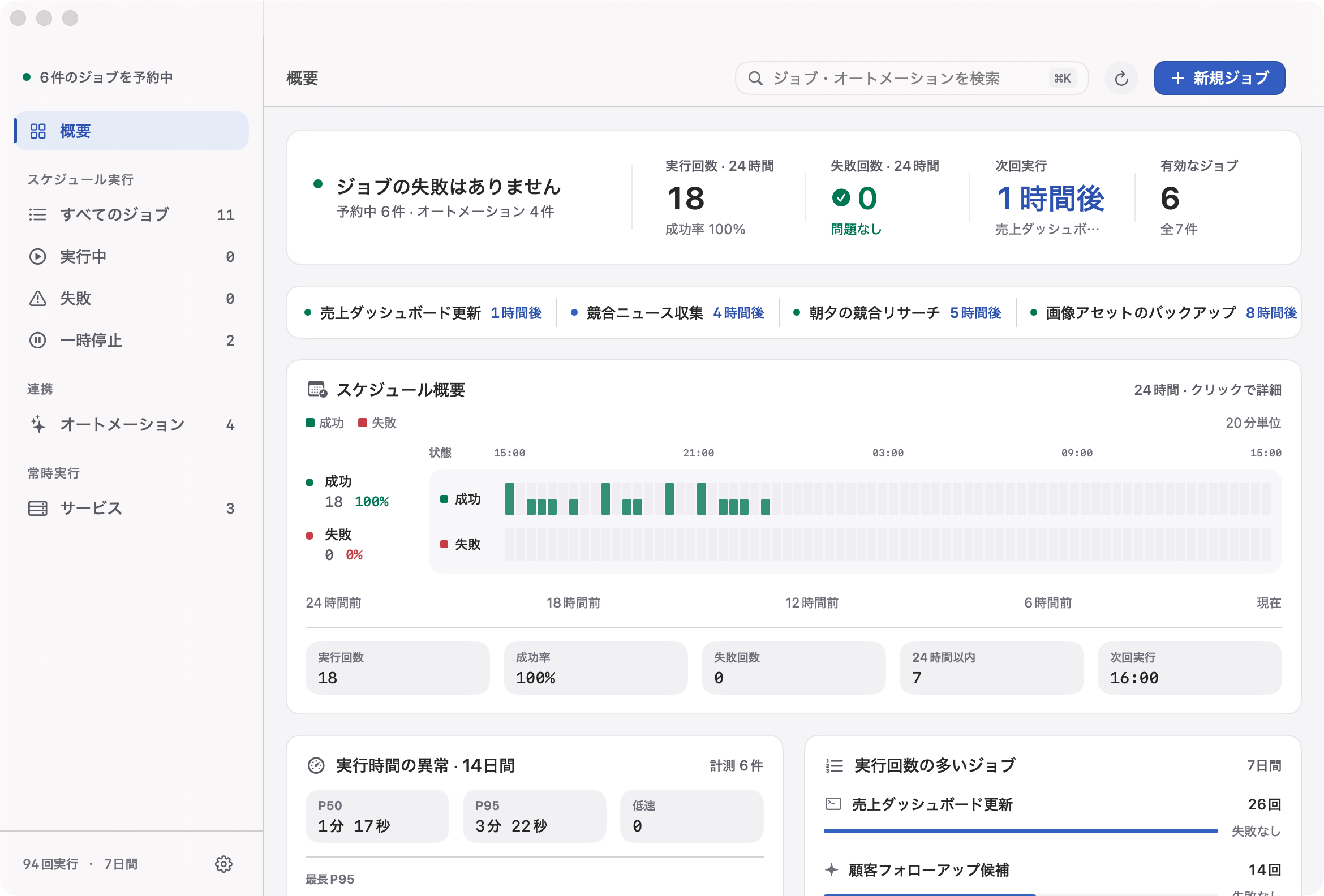
Active jobs
4
of 6 total
Runs · 24h
23
1 failed
Success · 7d
97.8%
138 runs
Next run
14:30
db-backup
Activity · last 24h

Everything crontab should have been.

Menu bar native

Lives in your menu bar with a countdown to the next job. Open the dashboard when you need it, forget it when you don't.

Shell commands

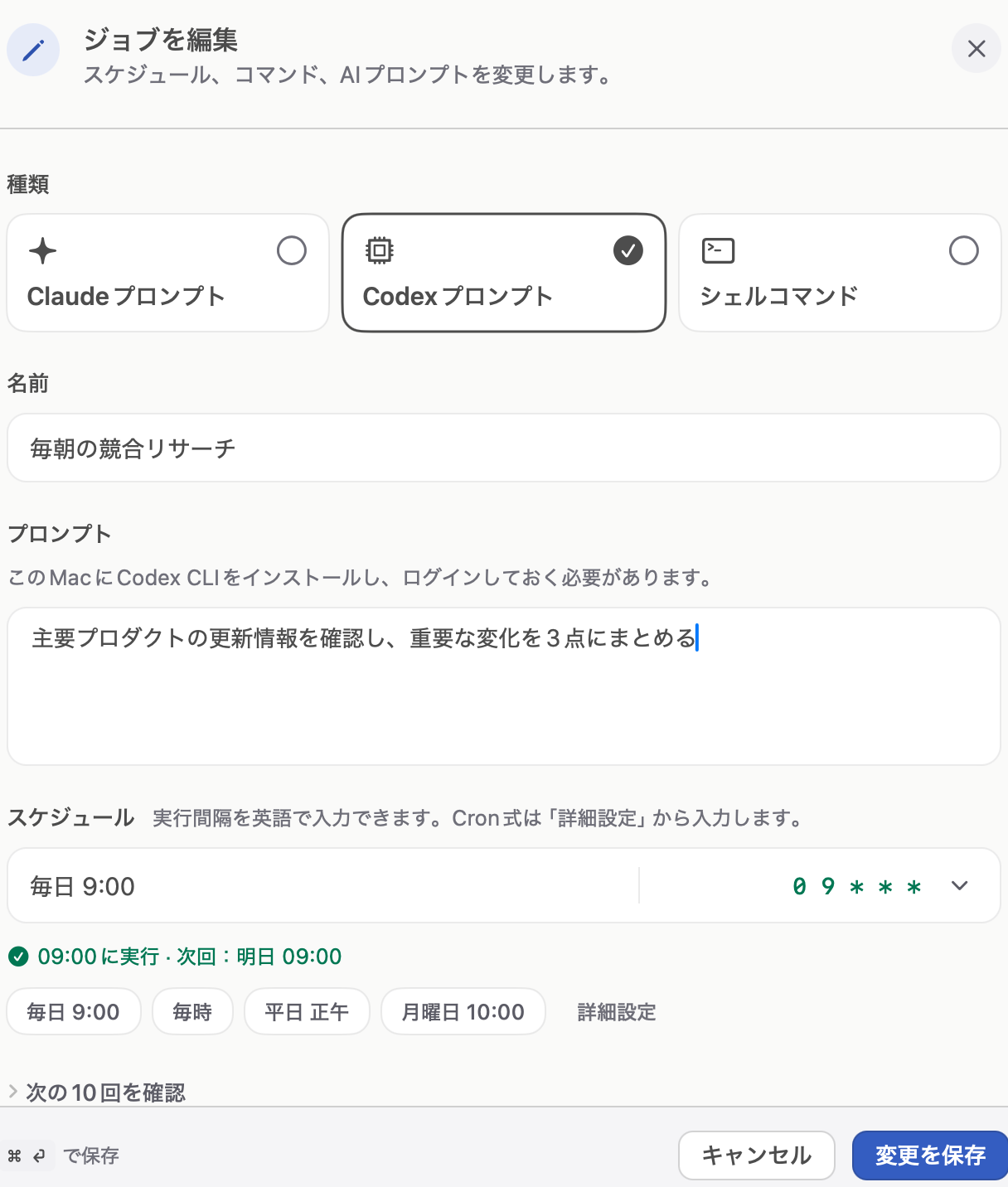
Run any command on a cron schedule. Full $PATH, login shell environment, and proper exit code tracking.

Claude prompts

Schedule Claude CLI prompts as cron jobs. Automate AI-powered tasks on a recurring cadence.

Dashboard & KPIs

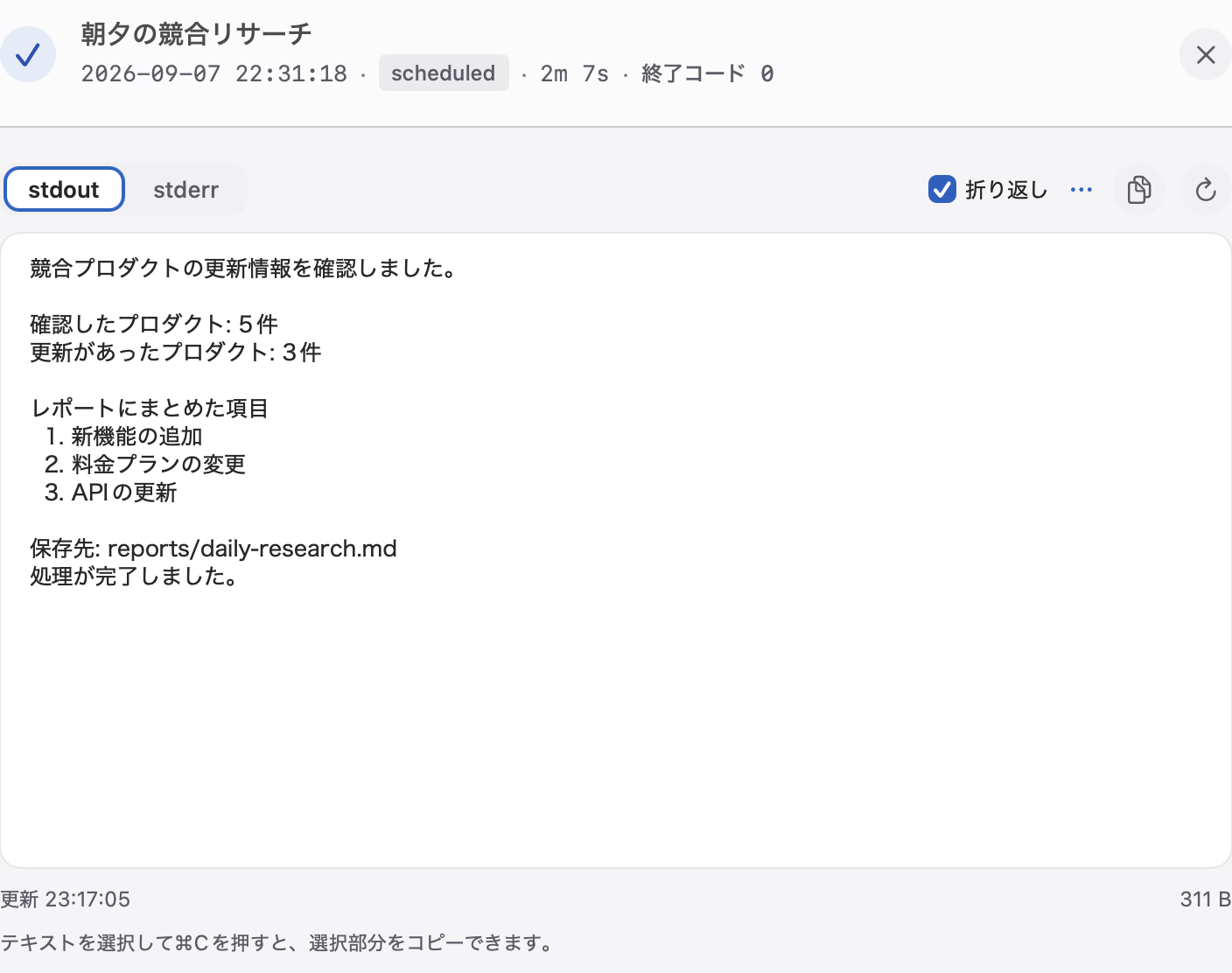
Success rates, execution history, activity heatmaps. See your scheduled work at a glance, not in log files.

Failure alerts

macOS notifications on job failures. Know immediately when something breaks, not hours later.

Wake recovery

Missed a job while your Mac was asleep? Cronosu catches up on wake so nothing falls through the cracks.

Pay once. Run forever.

$8
One-time purchase · Lifetime updates
  • Unlimited cron jobs
  • Shell commands + Claude prompts
  • Dashboard, logs, and failure alerts
  • All future updates included
  • No subscription, no account required
Unlock unlimited jobs — $8

Free download includes 3 scheduled jobs · macOS 14 Sonoma or later · Apple Silicon & Intel

After purchase, a signed license key arrives by email.

  1. In Cronosu, open Settings > License and paste the key.
  2. In Terminal, run cronosu license activate <key>.
Built with
SwiftUI
Storage
SQLite
Scheduler
In-process
Signed
Developer ID
Notarized
Apple